Charades Word Generator: How to Use It for the Best Game
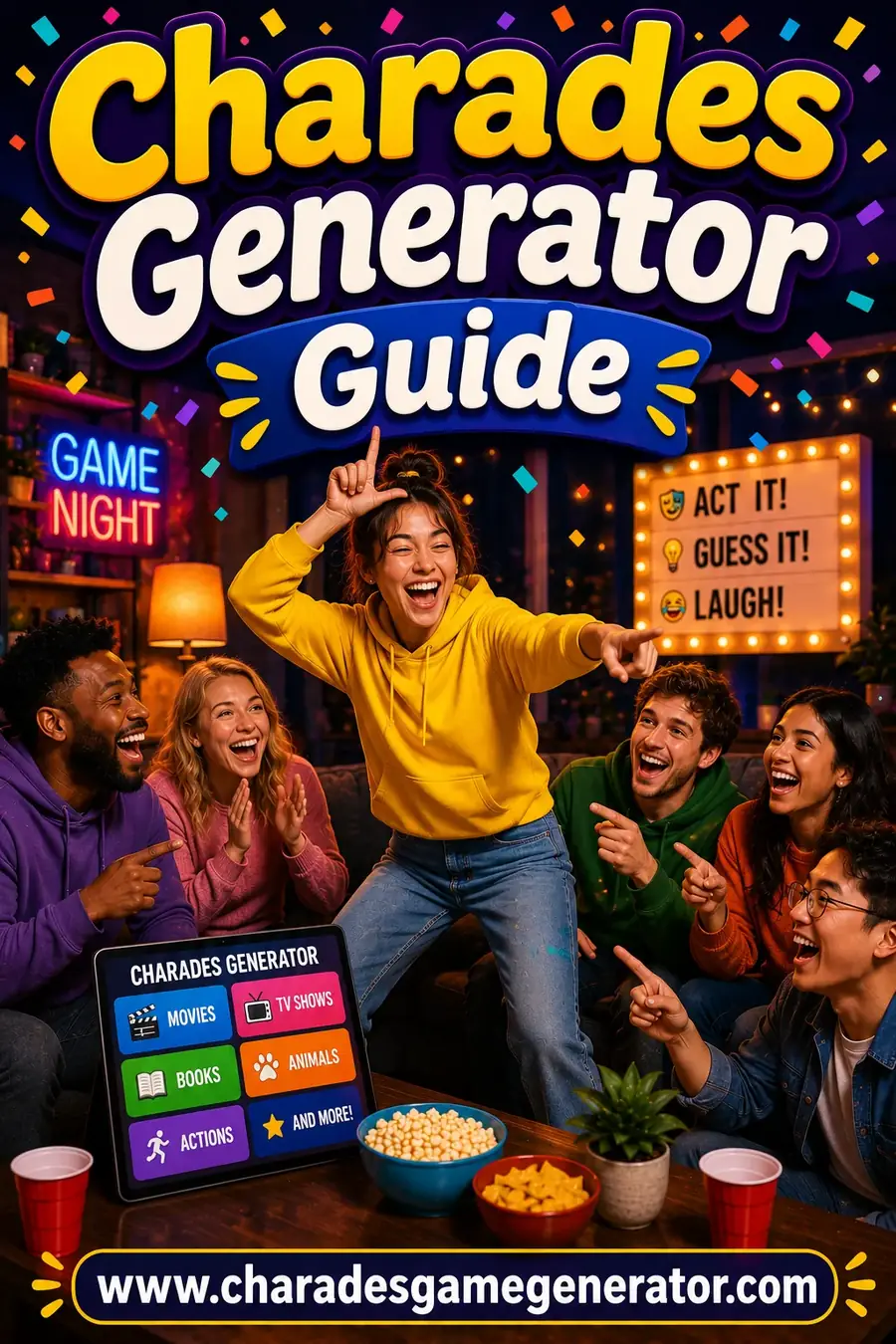
Stop Scrambling for Words — Let the Generator Do It
We've all been there: someone shouts "let's play charades!" and then... silence, as everyone struggles to think of words. A charades word generator solves that instantly. It serves fresh, fair, actable words on demand — no slips of paper, no repeats, no awkward pauses. This guide shows you how to get the absolute most out of it for a smooth, fast, hilarious game.
Whether you're hosting a family night, an office party, or a quick two-player round, here's how to use a generator like a pro.
Why Use a Charades Generator?
- Zero prep — no writing words on paper slips.
- No repeats — it won't hand out the same word twice in a game.
- Fair difficulty — curated, actable words (no impossible "bathroom scale" duds).
- Built-in timer — no fumbling for a separate stopwatch.
- Automatic scoring — it tracks teams so you can focus on the fun.
- Works anywhere — phone, tablet, or laptop; pass it around the room.
Step-by-Step: Using the Charades Generator
Step 1: Pick Your Players & Teams
Open the generator and set up your teams. Two to four teams works for most groups; for big crowds, see our large-group guide.
Step 2: Choose a Category
Pick from 14 categories — Movies, Animals, Famous People, Christmas, Kids, and more — or choose "Everything" for a mixed bag. Match the category to your crowd.
Step 3: Set the Difficulty
Easy for kids and beginners, Medium for a mixed group, Hard for competitive players. (See our easy and hard word guides.)
Step 4: Set the Timer
60 seconds is the classic default. Drop to 30 for speed rounds, or stretch to 90 for younger players.
Step 5: Pass the Phone & Play
The actor reads the word privately, taps to start the timer, and acts. Their team guesses. Tap "Got it!" or "Skip," and the score updates automatically.
🎯 Pro Tips to Get the Most From the Generator
| Tip | Why It Helps |
|---|---|
| Match category to crowd | Kids' category for a family, Adults for a party |
| Use the timer on-screen | Everyone sees the countdown — no disputes |
| Let it handle scoring | Frees you to focus on acting and laughing |
| Add custom words | Inside jokes and names make it personal |
| Switch categories mid-game | Keeps energy fresh across rounds |
| Use "Skip" wisely | Don't burn time on an impossible word |
Pro tip: Add your own custom words — friends' names, inside jokes, or pet names — for a personalized round that gets the biggest laughs of the night.
Using the Generator for Different Occasions
- Family night: Kids or Mixed category, 90-second timer, generous cheering.
- Office party: Office category, 60 seconds, cross-department teams.
- Holidays: Christmas or Halloween categories for instant festive fun.
- Couples / two players: Mixed category, take turns, co-op scoring.
- Big events: Run tournament rounds with the scoreboard.
Generator vs Paper Slips vs Apps
| Method | Prep | Repeats? | Timer & Scoring | Cost |
|---|---|---|---|---|
| Paper slips | High (write them all) | Manual | No | Free |
| Charades app | Download + install | Varies | Usually | Often paid |
| Online generator | None — just open | No repeats | ✅ Built-in | Free |
The generator wins on speed and convenience — see our full apps vs generators comparison.
Troubleshooting Common Issues
- "The words are too hard." Switch the difficulty to Easy, or pick a simpler category.
- "We've played a long time." The generator avoids repeats, but you can switch categories for fresh words.
- "Someone's bored waiting." Use shorter timers and faster rotation, or try Reverse Charades so everyone plays at once.
- "We want personal words." Add custom words for inside-joke rounds.
Tips for the Best Generator Game
- Match category and difficulty to your exact crowd.
- Let the tool handle the timer and scoring so you can focus on fun.
- Add custom words for a personal, laugh-out-loud round.
- Switch categories between rounds to keep it fresh.
- Pass the phone so the actor's word stays secret.
Frequently Asked Questions
How do you use a charades word generator?
Open it, set up teams, pick a category and difficulty, set the timer, then pass the phone — the actor reads the word privately, acts, and the score updates automatically.
Is a charades generator free?
Yes — the best ones, including ours, are completely free with no signup, giving you 1000+ words, a timer, and team scoring at no cost.
Can you add your own words to a charades generator?
Yes — ours lets you add custom words like friends' names and inside jokes for a personalized round that gets the biggest laughs.
What category should I pick in a charades generator?
Match it to your crowd — Kids for families, Adults for parties, or holiday categories like Christmas. Choose "Everything" for a varied mix.
Does a charades generator repeat words?
A good generator won't repeat a word within a game. If you've played a long time, switch categories for a fresh batch.
Do I need to download anything to use a charades generator?
No — an online generator runs in your browser. Just open the website on any phone, tablet, or laptop and start playing instantly.
🔗 More Charades Guides You'll Love
Ready to Play the Easy Way?
Now you know how to use a charades generator like a pro — pick your category, set the timer, and let it handle the rest. Make your next game night effortless:
👉 Open the free Charades Generator — 1000+ words, 14 categories, a timer, and team scoring. No app, no signup, works on any phone. 🎲
Bookmark it now — you'll never be stuck for charades words again!